Getting started
Kinverra holds one trip at a time in one place: the plan, the messages, the photos, and where everybody actually went. Travelers use the app. People at home can follow along without installing anything.
Create the trip
Name it, set the dates, and pick a destination. Everything else can be added later, and most of it fills itself in.
Invite the people coming with you
Travelers get the full trip. Followers — parents, partners, anyone staying home — get a read-only view of the map and the photos.
Turn on location sharing
Optional, and off until you allow it. It is what draws your route on the trip map and makes the journey replay possible afterwards.
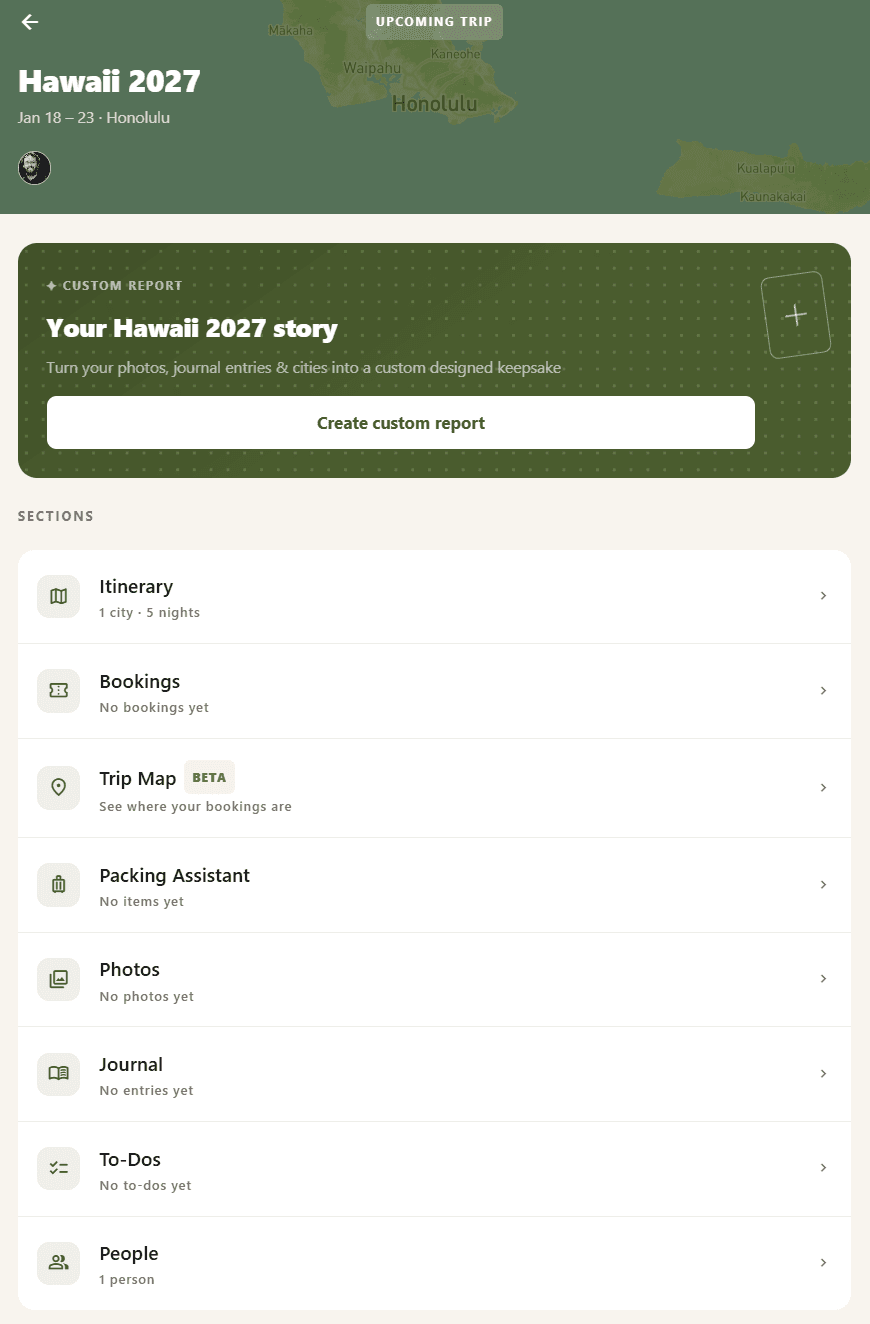
the trip home is where everything starts.
Followers never need an account and never see the group chat. If you are not sure whether someone should be a traveler or a follower, make them a follower — you can promote them later.
Before the trip
Planning happens in three places, and none of them require you to be organized.
Bookings
Copy a confirmation email, then tap Paste in Add Booking — flights, hotels, cars, restaurants, and tickets are recognized automatically, with multi-leg trips and shared travelers combined for you. No email to copy? Tap Scan instead to use a photo of a printed confirmation or boarding pass. Anything it cannot read, you can type in yourself.
Packing lists
Every traveler gets their own list. Shared items — the sunscreen, the good camera — go on a group list so two people do not both bring one.
The group chat
Attached to the trip rather than to a phone number, so it stays readable afterwards and shows up in the report.
While you travel
The trip map is the center of things once you are actually on the road — where you are, where you have been, and every photo dropped where it was taken.
The trip map
Shows every traveler who has turned on location sharing, plus your booked flights, hotels, and other reservations as pins. It is currently in beta, so expect the occasional gap or a route that cuts a corner it should not.
Following along from home
Followers open their link and see the same map and the same photos, updating as the trip happens — but not each traveler’s live position or path. That stays visible to fellow travelers only.
Photos and favorites
Anyone traveling can add photos, and everyone on the trip sees them land in one shared pool, grouped by day. Long-press a photo to mark it a favorite — favorites get first pick of the spotlight in the trip report afterward.
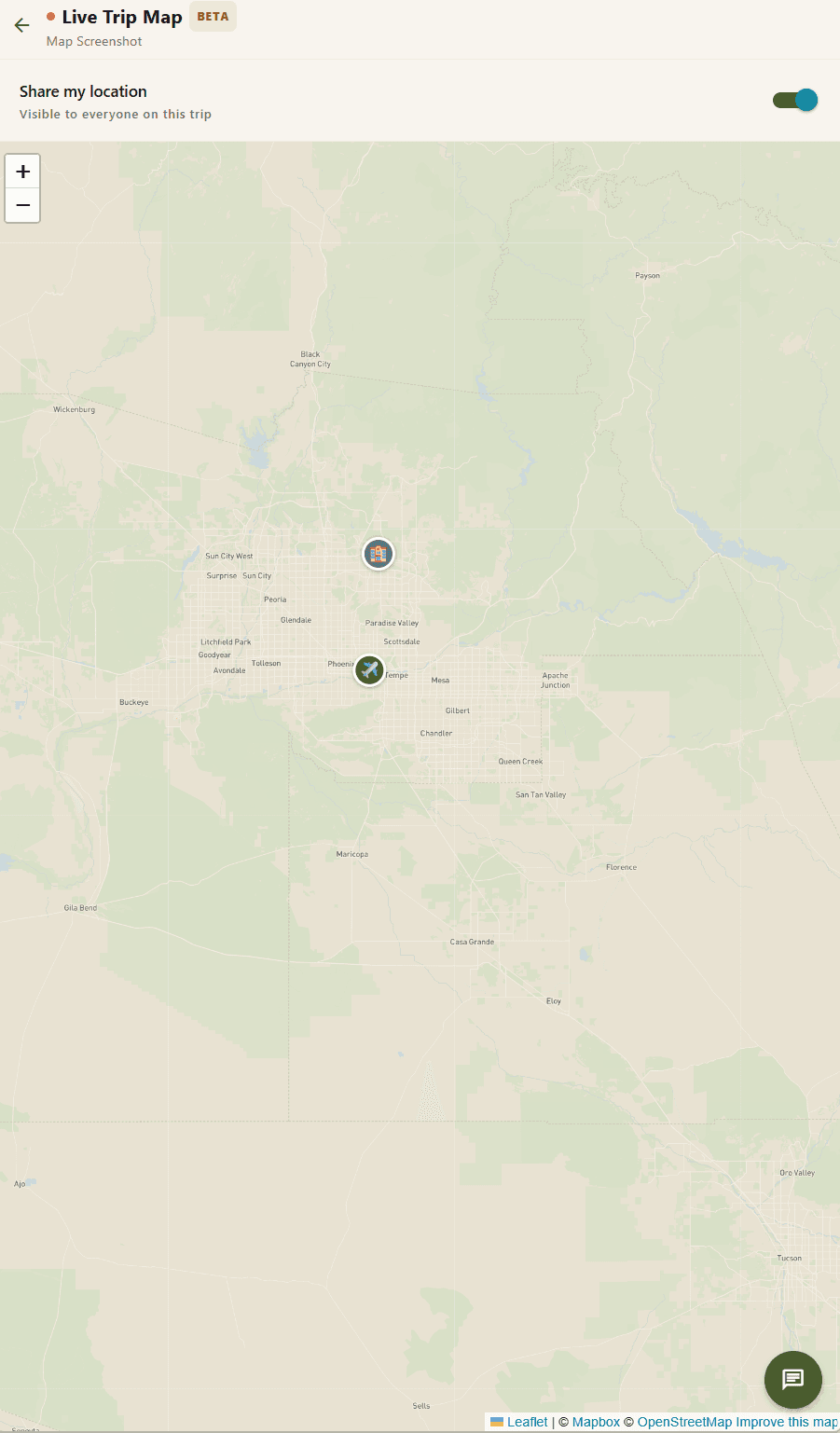
everyone's route and every booking, on one map.
The day view
The trip splits itself into days automatically from your dates and time zone. Tapping a day filters the photos and the map down to just that day, which is also how the eventual trip report gets organized.
Without a signal
Photos still save to your phone and upload once you reconnect — nothing you shoot is lost. Location points recorded while offline catch up the same way, though followers will see a gap on the map until they do.
After you get home
The trip does not end when you land — everything you gathered turns into a report you can look back on, share, or print.
The trip report
A designed recap built from the trip: your favorite photos, the journal, the places you went, and the highlights of the group chat, laid out automatically. Before you finalize it, you can reorder sections, remove pages you do not want included, swap a photo, and edit captions.
Journey replay
An animated version of the trip map that redraws your route stop by stop and surfaces your favorite photos where they were taken. You can export a replay as a video to share outside the app.
A single-trip purchase keeps a trip and everything in it for 365 days, plus a 30-day grace period after that before it is deleted. A subscription keeps every trip for as long as you stay subscribed. Order your book and download anything you want to keep before that window closes.
Ordering a printed book
Your trip report can become an actual book, shipped to your door — the ordering flow walks through format, content, and a full preview before you pay anything.
Choose a format
Softcover or hardcover, and a trim size. Hardcover, square, is the most popular choice.
Pick what goes in
The book starts from your trip report — remove sections or pages you do not want printed.
Flip through the preview
A page-by-page preview shows exactly what gets printed, including the cover.
Check price and shipping
The final price depends on your format and page count; shipping is quoted separately.
Order
Pay at checkout and your book goes into production.
Softcover and hardcover books start at $28, rising with page count and trim size — the exact price is always shown before you pay, and it never differs from what the wizard quotes you. Printing takes 3 to 5 business days, then shipping on top: about 2 to 3 business days with priority shipping, or 5 to 8 with standard.
You can order another copy of the same book at any time, including after your first has already arrived, and pick a different format or cover for it.
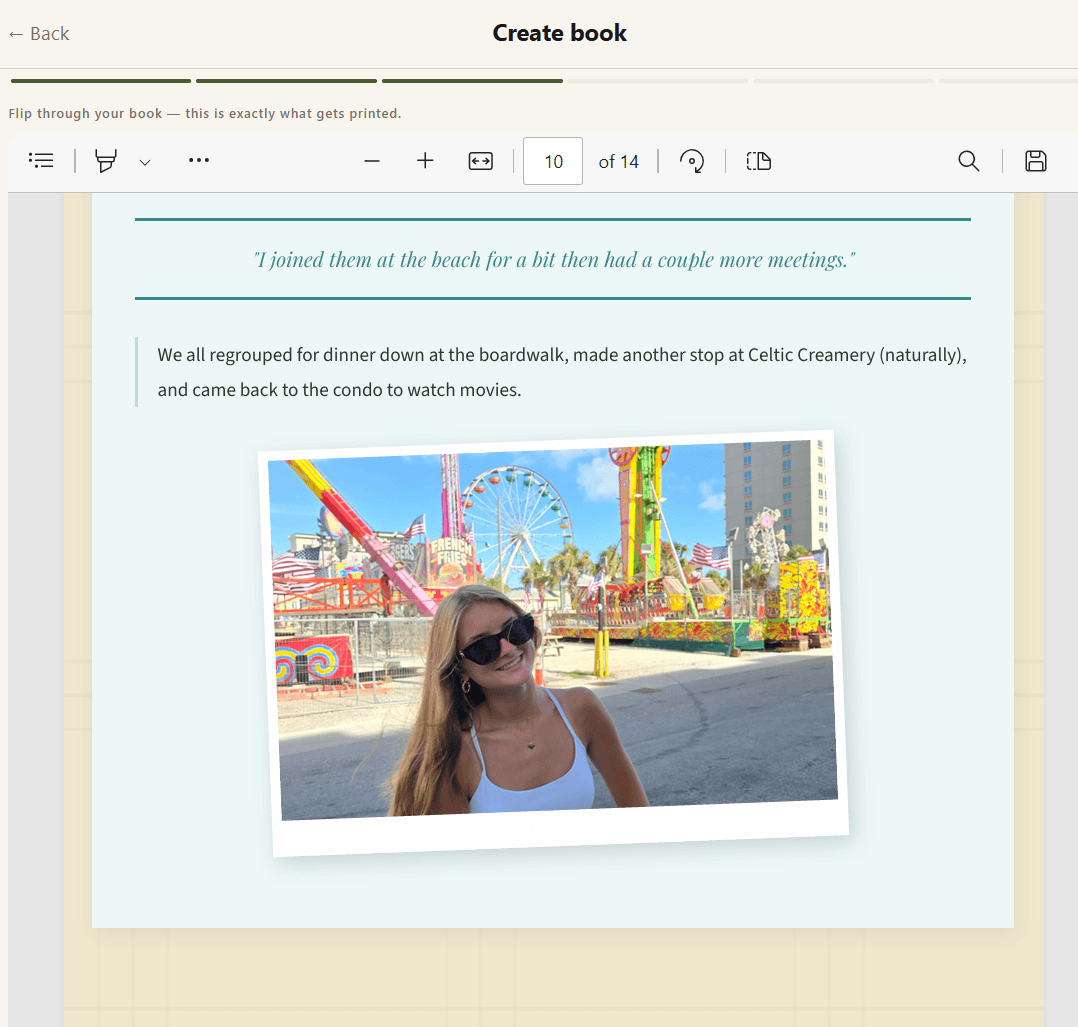
what you see in the preview is exactly what gets printed.
Account & billing
One individual plan, billed monthly or yearly, plus a one-time option if you only need a single trip.
Switching between monthly and annual
Do this from your account’s billing portal. Stripe handles the switch and any proration automatically — you are never charged twice or left without coverage in between.
Updating payment and finding invoices
Both live in the same billing portal, linked from your Account page: update your card, or open and download any past invoice.
Storage add-ons
If 50 GB runs out, an extra 50 GB is $2.99/mo. You get an email once you hit 80% of your limit, and again at 95%, so it should not catch you off guard — uploads simply pause at the limit until you add room, nothing already uploaded is touched.
If you cancel
Nothing is deleted. Your trips and everything in them stay exactly as they are, and you keep full access through the end of the period you already paid for. Once the subscription actually ends, new report generation stops — any report or printed book you already made stays yours.
For organizations
One flat-rate plan for a whole team, managed from a web admin portal rather than billing each traveler separately.
Roles and invites
Admins run the dashboard and can invite others as admins or guides — both count against the plan’s seat limit. Guides create and run trips like any traveler. Anyone invited onto a specific trip as a traveler is a member, not staff: members do not use a seat and need no subscription of their own.
Usage and insights
The dashboard’s Overview shows how much of the plan’s storage and monthly report allowance the organization has used. Insights adds a wider view across every org-linked trip — cities visited, miles flown, and similar totals.
Admins can see that a trip exists, its dates and status, who is on it, the cities it covers, and its flight and hotel bookings. Admins cannot see photos, journal entries, or chat messages on any trip, and cannot see a member’s personal trips that are not part of the organization.
Exporting data
The Trips and Members views each have a CSV export button, available to any admin, covering exactly what that table shows on screen.
The audit log
Records account-level activity — invites, role changes, and similar admin actions — so it is clear who did what.
Location & privacy
This is read by people deciding whether to trust the app with their location, so here is exactly what happens.
What is collected
Only a latitude and longitude, roughly every 20 minutes or every 200 meters traveled, whichever comes first — no speed, altitude, or heading. A phone can delay this further in the background to save battery, which is the main source of gaps on the map. Photos are separate: if a photo has location data attached, that is what places it on the map and can include altitude, same as any camera app.
Who can see it
Fellow travelers on the trip, never followers. Followers see the map’s places and the photos, not anyone’s live position or recorded path.
Turning it off
Off by default until a traveler turns it on, and it can be turned off again at any point mid-trip from the trip map. Turning it off stops new points from being recorded; it does not remove points already logged, which stay visible to your fellow travelers.
How long it is kept
For as long as the trip itself exists. Location points are deleted along with the rest of the trip’s data — when a single-trip purchase reaches the end of its 365-day retention plus a 30-day grace period, or when you delete your account (also a 30-day grace period, during which signing back in cancels the deletion).
Turning location sharing off mid-trip does not delete or hide what was already recorded from your fellow travelers — say so plainly if anyone asks, since it is the part people most often assume works the other way.
Reporting content
Every trip is invite-only, but if a photo, journal entry, or chat message crosses a line, you can flag it directly from wherever it appears — no need to leave the trip or contact us first.
Find the content
Photos, journal entries, and chat messages can each be reported individually.
Long-press it
Long-press a photo or a journal entry to open its menu, or a chat message to open its reaction bar — Report sits alongside the other options.
Choose a reason and submit
Pick inappropriate, harassment, spam, or other, add any details that would help, and submit. We’re notified as soon as you do.
Submitting a report does not remove the content automatically — we review every report and follow up as needed, which can include removing content or suspending an account. See our Terms of Service for what is not allowed on Kinverra.
Something not covered here?